 Getting started
Woolly Desk is a menu bar app for macOS 14 Sonoma or later. It has no Dock icon and no big window. After you open it, the farm appears on your desktop wallpaper, behind all your app windows. Close or move a window to see your sheep.
- Open Woolly Desk. A small cloud-and-sun icon appears in the menu bar at the top of the screen.
- Your farm starts with a few sheep and one water trough.
- Click a sheep to meet it. Click it again to pet it.
- Wait for the wool to grow, shear the sheep, and sell the wool to buy things in the shop.
- Every bag of wool you collect counts toward new items in the shop. The Farm Overview always shows your next goal.
 The menu bar
Click the cloud-and-sun icon in the menu bar. The header of the menu shows the farm day, the season and the number of sheep.
| Item | What it does |
|---|---|
| Farm Overview… ⌘F | Day, season, weather, your next unlock, sheep that need help, troughs and feeders. |
| Shop & Items… | Get new items, see what you own, and place items on the desktop. |
| Trade Wool… | Sell wool and see your trade history. |
| Build Fences & Gates… ⌘B | Opens the build palette: Fence, Gate, Mow, Sweep, Shovel, Move and Remove. |
| Sheep ▸ | Pick one sheep, see all sheep, or open Memories. |
| Weather / Season | Automatic, or choose a weather or a season yourself. |
| Time of Day | Follow my clock (default), Always Day or Always Night. |
| Sheep Above Desktop Icons | On: you can click sheep and buildings. Off: the farm is only a wallpaper. |
| Pause Farm | Stops the farm. It uses no CPU while it is paused. |
| Settings…, Quit | Open the settings, or close the app. |
 On the desktop
The two round buttons
Two round buttons sit at the left edge of the screen: Home and Tools. Click a circle and its buttons slide out. Click anywhere else and they slide back in.
Home
Farm overview, Shop & items, Trade wool, My sheep, Settings.
Tools
Fence, Gate, Scythe, Broom, Snow shovel, Move, Remove. The circle shows the tool in your hand. Pick it again to put it away.
Drag a circle to any edge of the screen: it snaps there and stays. You can turn the buttons off in the menu or in Settings → Desktop.
Clicking things
- Click a sheep to open its card: age, stage, personality, mood, food, water, energy, health and wool. The card has the buttons Pet, Shear, Treat and Name.
- Click a building (trough, feeder, barn, trading post…) to open its card: Refill, Add hay, Trade, Move or Store.
- Click a gate to open or close it.
- An orange ! above a sheep means it needs help: it is very hungry, very thirsty or weak.
- All other clicks go through to Finder, so your files and icons work as usual.
 Desktop folders
Woolly Desk can give the folders on your desktop watercolour icons in the colours of the farm. Turn on Farm-style icons on desktop folders in Settings → Desktop, then choose a Folder colour:
 spring
 summer
 autumn
 winter
 barn red
 lavender
- Changes with the season (default): two colours for each season, and the folders change by themselves.
- Mixed farm colours: each folder gets its own colour.
- Or one of 11 farm colours for all folders: meadow green, sage, sky blue, wool cream, cottage pink, lavender, hay yellow, pumpkin, barn red, kraft brown or snow grey.
- Folders with their own custom icon are never changed. Turn the setting off to get the normal icons back.
 Your sheep
Needs
Each sheep has five needs: food, water, energy, happiness and health. Sheep look after themselves most of the time:
 Food
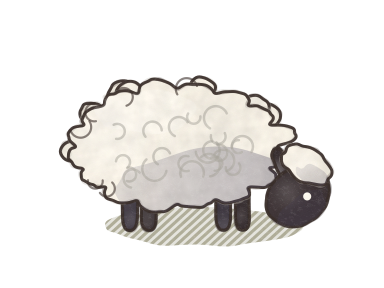
They eat grass first, then hay from a feeder. Grass grows back with time and rain.
 Water
They drink at the lake shore or at a water trough.
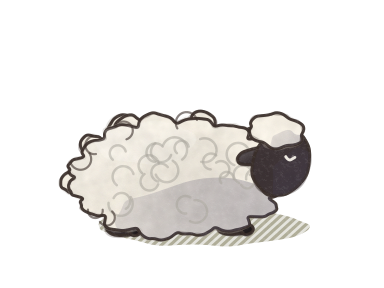 Energy
They sleep, best of all under a roof in the barn.
Health falls only after a need stays critical for 15 minutes, and then only slowly. It rises again with care. A Herbal Treat helps a weak sheep.
Personalities
Playful
Runs and jumps a lot.
Shy
Keeps away from your pointer.
Curious
Explores buildings and trees.
Calm
Takes long rests.
Social
Stays close to the flock.
Independent
Wanders far away.
Life stages
One farm day is one sheep month. Twelve farm days are one sheep year. With the default life pace, one sheep year takes 12 real hours.
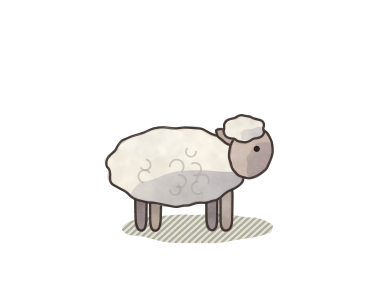 Lamb · 0–4 months
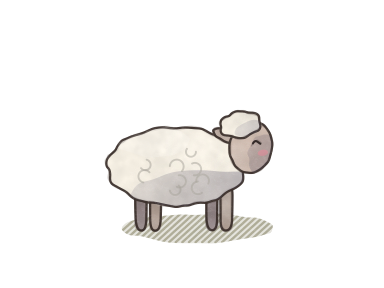 Young · to 1 year
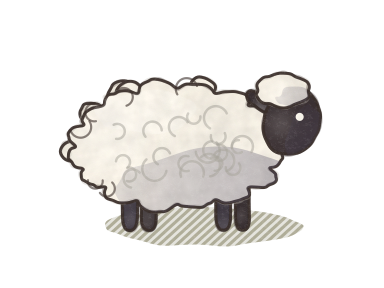 Adult · 1–8 years
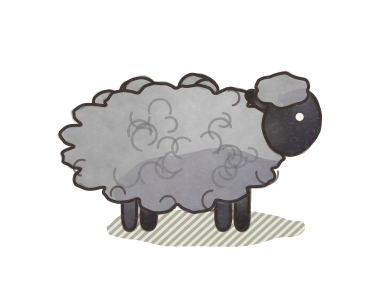 Elderly · 8+ years
Play
Happy sheep run laps. Lambs and young sheep play most. A runner can invite a cheerful friend, and they play tag for a few laps. Sheep do not play at night, in bad weather, or when they are hungry or thirsty.
 Wool and shearing
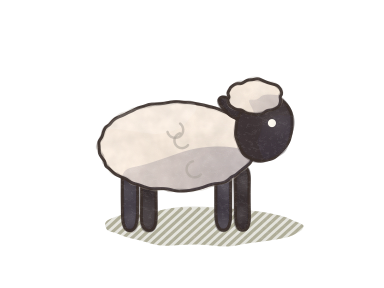
Wool grows back in about 6 farm days (half a sheep year). It grows faster in spring and slower in winter and on weak sheep. You can see the wool on each sheep:
shearedshortmediumfull- Shear a sheep at medium or full wool: click it, then click Shear.
- One shearing gives 2–4 wool, plus 1 for a full fleece in summer.
- You never shear lambs.
- You start with shears, so you can shear from the first day.
Light and dark wool
White and cream sheep give light wool. Grey, brown and black sheep give dark wool, which is worth more.
 Selling wool
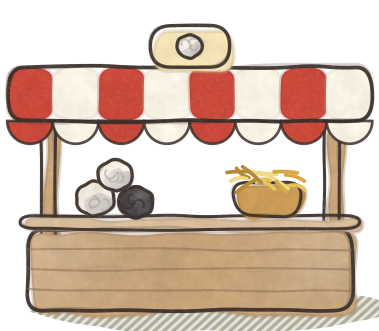
Sell your wool to get new things in the shop. Dark wool is worth more than light wool, and a Trading Post gives you a better deal.
- Sell wool from Trade Wool… in the menu, or click your Trading Post.
- You can also pay for many shop items with wool.
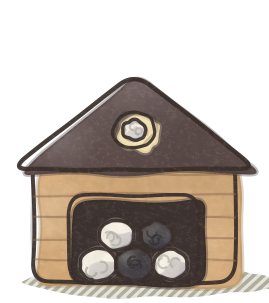
- Your farm stores 12 wool at first. Each Wool Storage adds room for 40 more.
- Your hay store holds 20 hay. Each barn adds room for 30 more.
 The shop
 has seven tabs. The holiday items are on the Holiday tab. Each item unlocks when your lifetime wool reaches its number.
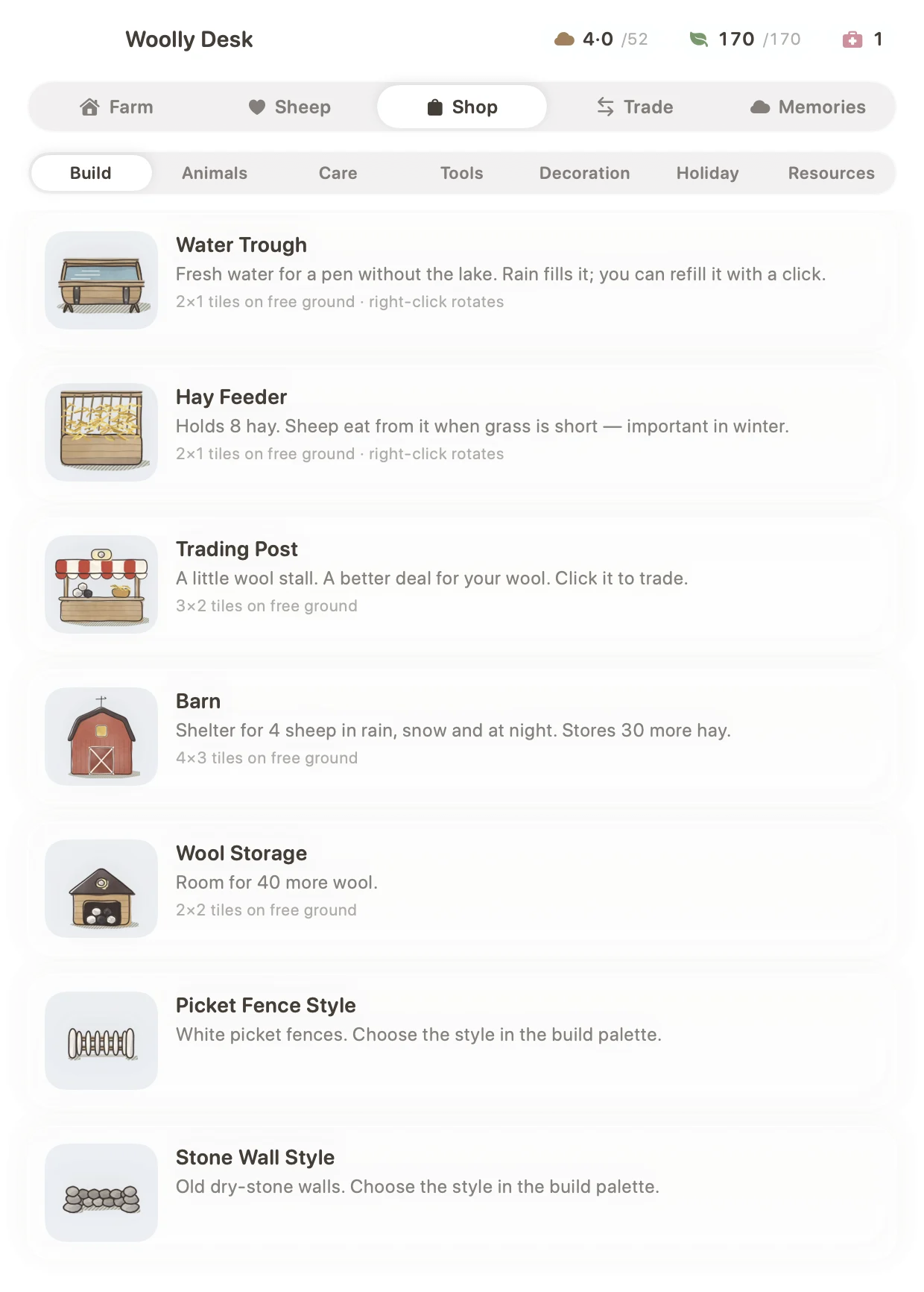
Build
| Item | Unlocks at |
|---|---|
Water TroughRain fills it. Click it to refill it. In winter it drains. | start |
Hay FeederHolds 8 hay. Important in winter. | 3 wool |
| Trading PostA better deal for your wool. | 8 wool |
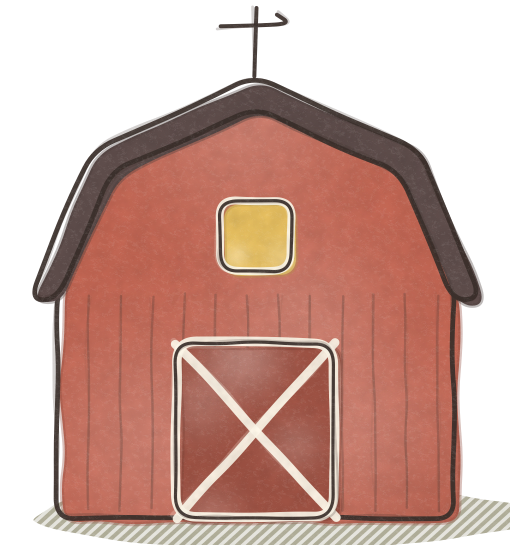 BarnShelter for 4 sheep. Stores 30 more hay. | 15 wool |
| Wool StorageRoom for 40 more wool. | 20 wool |
Picket Fence StyleWhite picket fences. | 25 wool |
Stone Wall StyleOld dry-stone walls. | 40 wool |
Animals
A young sheep from the neighbour's farm joins your flock (unlocks at 12 wool). Choose its colour, and choose a ewe, a ram or either.
| Young sheep | Wool it gives |
|---|---|
| White | light |
| Cream | light |
| Grey | dark |
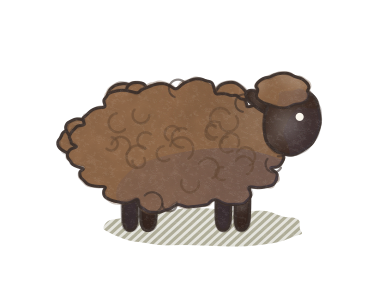 Brown | dark |
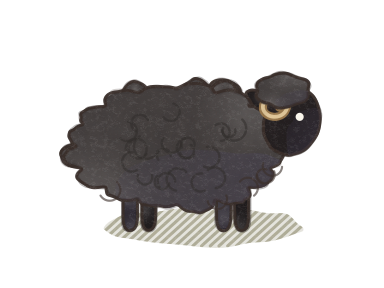 Black | dark |
Care
| Item | Unlocks at |
|---|---|
Hay Bundle5 hay for your store. | start |
Herbal TreatMore health and happiness for a weak sheep. | 5 wool |
Tools
You buy each tool once and keep it forever.
| Tool | Unlocks at |
|---|---|
ShearsYou have them from the start. | start |
 BroomSweeps leaves and a little snow. | start |
ScytheMows tall grass into hay. | 2 wool |
 Snow ShovelClears snow drifts in one pass. | 3 wool |
Decoration
| Item | Unlocks at |
|---|---|
 Flower BedSeasonal flowers. | 5 wool |
| LanternGlows at night. | 8 wool |
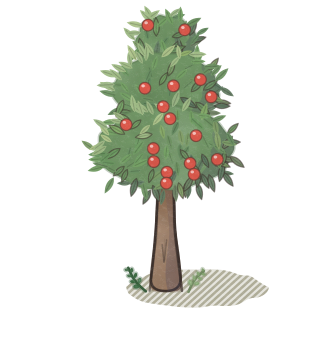 Apple TreeCurious sheep love it. | 30 wool |
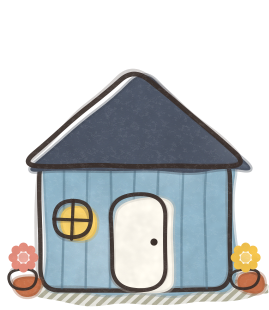 Garden ShedA cosy blue shed. | 35 wool |
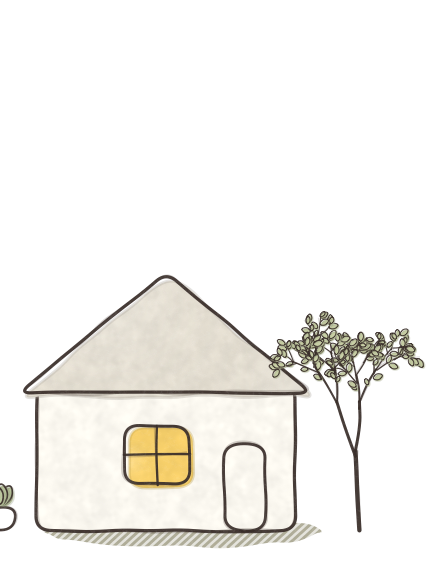 Little White HouseWith a young tree beside it. | 40 wool |
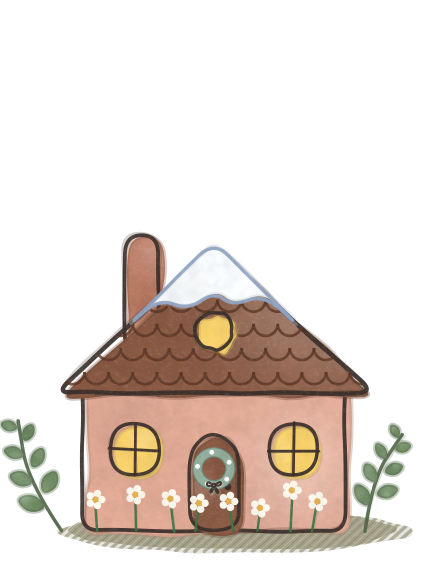
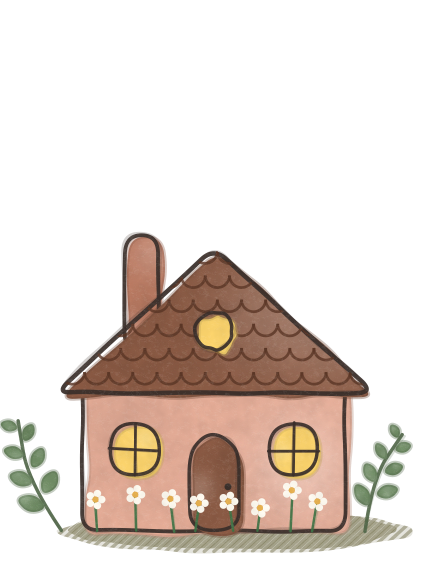 Pink CottageScalloped roof, daisies at the door. | 45 wool |
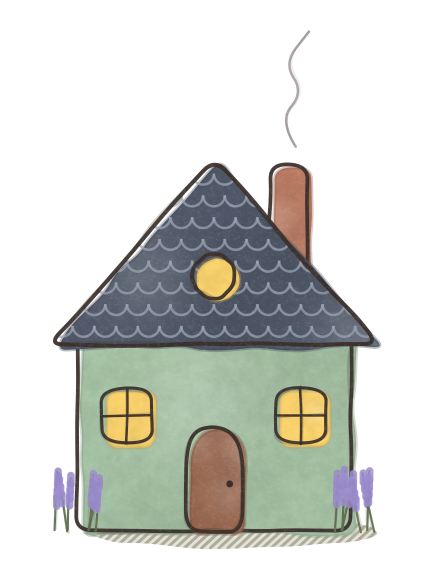 Lavender CottageSlate roof, lavender by the walls. | 50 wool |
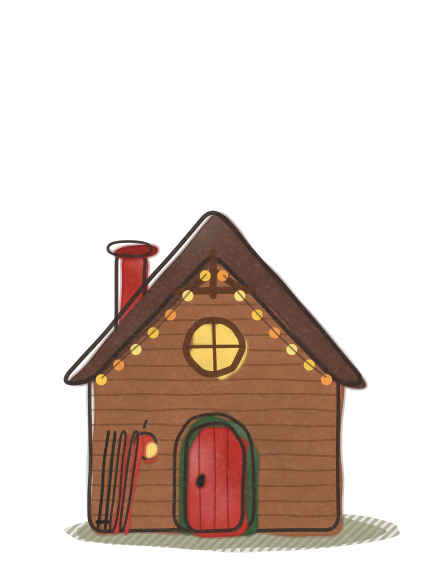 Wooden CabinRound window, red arched door, skis and lights. | 55 wool |
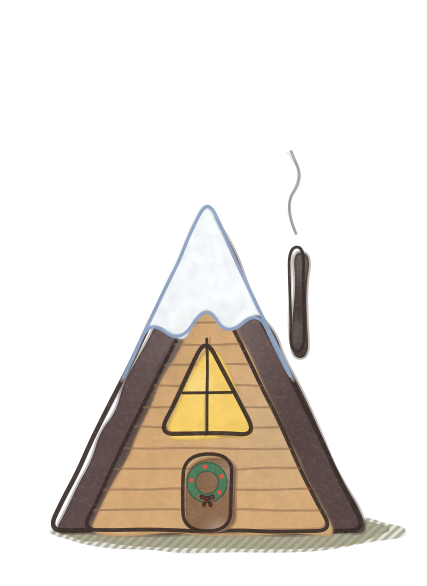
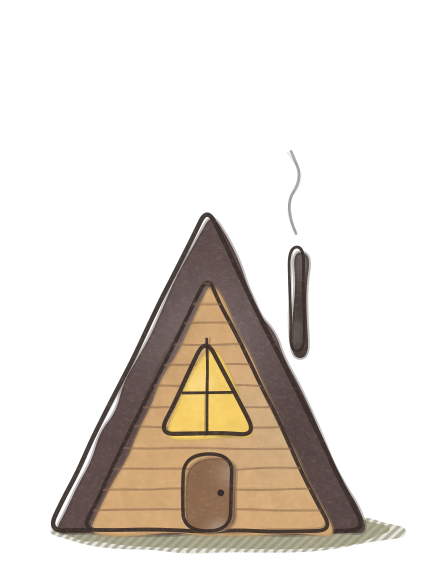 A-Frame CabinA big triangle window. | 60 wool |
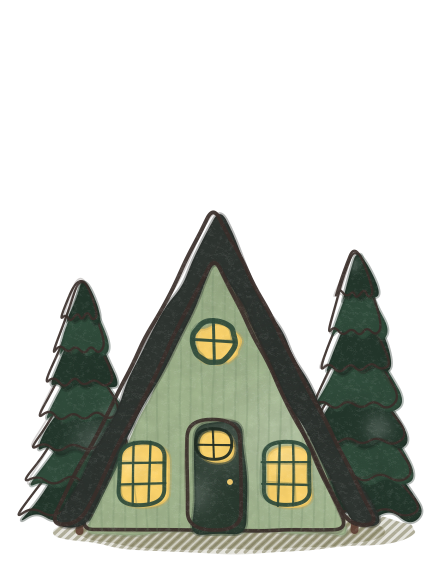 Forest CottageSage-green walls, a black roof and firs. | 65 wool |
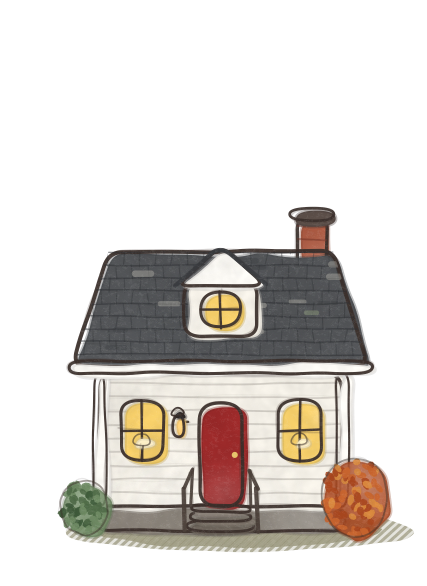 Red Door CottageRed door, dormer window, lamps at night. | 70 wool |
The houses are decoration: they make the village pretty and glow at night.
Tools
Open the build palette with ⌘B, or use the Tools circle on the desktop.
Fence and Gate
Draw fences around your pens. Small buttons let you choose the style: wood, picket or stone. Click a gate to open or close it.
Scythe (Mow)
Drag over tall grass to mow it into hay. You get 25 % more hay in autumn.
Broom (Sweep)
Hold the mouse button and drag. Leaves fly away in the direction you sweep.
Snow Shovel
Hold and drag across a drift. The snow flies off to the nearest side of the screen.
Move
Pick up a building and put it somewhere else.
Remove
Take away a fence or an item.
Buildings and fences
- Placing: after you buy an item, a preview follows your pointer. Click to place it. The preview turns red where the item does not fit.
- Rotating: right-click to turn troughs and feeders.
- Storing: click a building and choose Store to put it back into your inventory.
- Barn: 4 sheltered stalls. Sheep run to it in storms and like to sleep there.
- Water trough: rain fills it, and in winter it drains. Click it and choose Refill.
- Hay feeder: holds 8 hay. Click it and choose Add hay. Sheep eat from it when the grass is short.
 Weather, seasons and night
Real weather
Turn it on in Settings. The farm shows the weather where you live: sun, clouds, rain, snow and thunderstorms. Rain helps the grass and fills the troughs. Snow stops the grass. In storms the sheep run to the barn.
Seasons
Seasons follow the calendar. You can also choose a season in the menu or in Settings.
Day and night
The farm follows your clock and the real sunrise and sunset. Dusk and dawn take about 1.5 hours. At night lanterns and windows glow, fireflies come out and the sheep sleep.
Your choice
Prefer the farm always in daylight? Choose Time of Day → Always Day.
 Leaves and snow
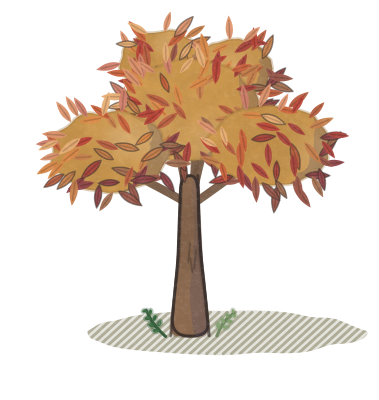
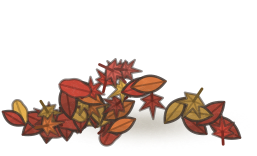
In autumn, leaves fall and pile up next to trees, fences and buildings. While it snows, drifts form. Grass under leaves or snow does not grow, and sheep cannot eat it.
- Without sweeping, leaves can cover up to 60 % of the farm, and snow up to 30 %.
- Sheep in deep leaves get unhappy and slowly lose health, but never below half. The overview and the sheep card warn you.
- Snow melts when it gets warmer. Old leaves rot slowly.
- Nothing new piles up while your Mac is closed.
- In autumn, leaves can also land on your desktop icons and the Dock. Move the pointer over them to blow them away. You can turn this off in Settings.
 Winter holidays
The Holiday tab of the shop has decorations for the cosiest time of the year. You can buy them in any season. All of them have small lights that glow at night.
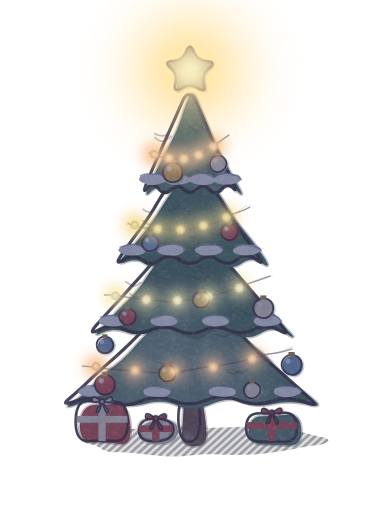 Christmas tree
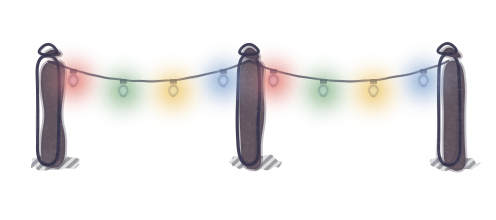 garland
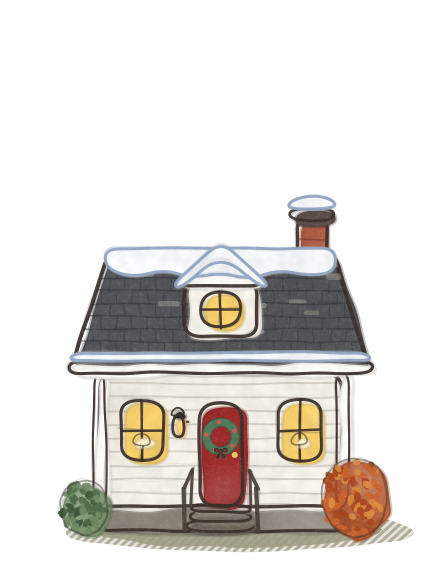 door wreath
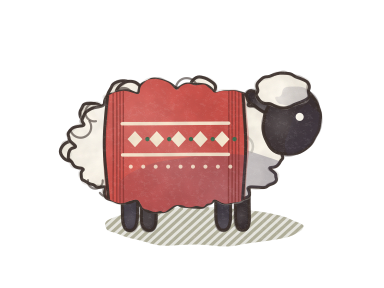 sweater
 hanging star
Decorations
Place them like any other item. A preview follows your pointer; click to place it.
| Item | Unlocks at |
|---|---|
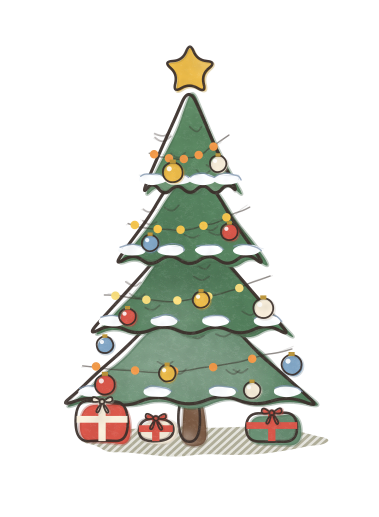
| Christmas TreeLights, baubles, a gold star and presents. 2×2 tiles. | 6 wool |
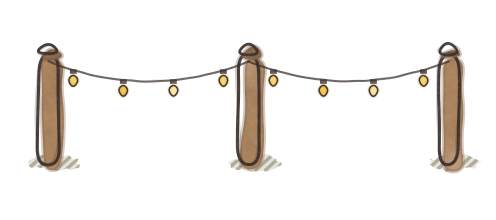 Warm Light GarlandWarm little lights on three posts. 4×1 tiles. | 3 wool |
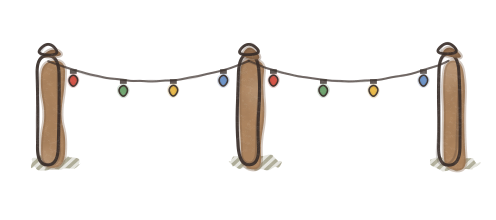 Coloured Light GarlandRed, green, gold, blue and pink lights. 4×1 tiles. | 3 wool |
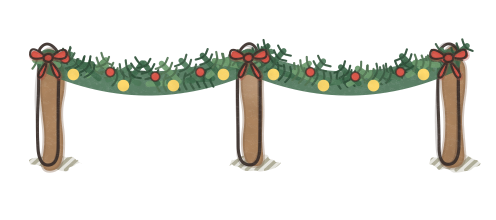 Fir GarlandFir branches, red bows and warm lights. 4×1 tiles. | 8 wool |
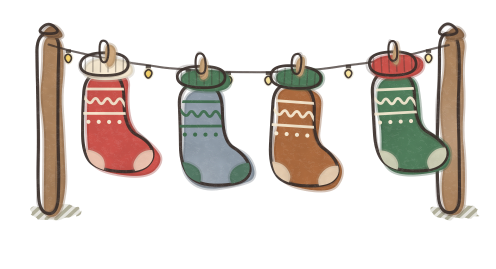 Stocking LineFour knitted stockings on a rope with small lights. 4×1 tiles. | 6 wool |
 Hanging StarsStars on threads under the menu bar. You get them once. | 10 wool |
Light garlands and stockings
Garlands hang between three little posts and are 4 tiles long. Put them along a fence, between houses or around a pen. At night their lights glow.
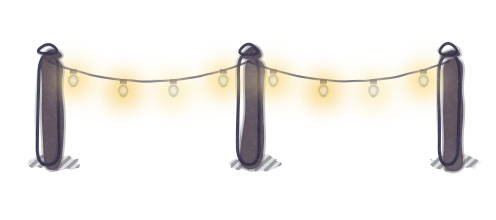 warm lightscoloured lightsfir garlandstocking line
- Warm Light Garland: warm yellow lights.
- Coloured Light Garland: red, green, gold, blue and pink lights.
- Fir Garland: fir branches with red bows and warm lights.
- Stocking Line: four knitted stockings on a rope, with small lights.
Door wreaths
There are three wreaths: Fir, Eucalyptus and Orange. They unlock at 4 wool. A wreath goes on the door of a decorative house (Little White House, the cottages and the A-Frame Cabin).
Hang it
Click a house and press Wreath. The card then shows which wreath is on the door.
 Change it
Press Next wreath to try the next one you own. The old wreath goes back to your inventory.
 Take it down
Press Take down. If you store the house, its wreath also goes back to your inventory.
Sweaters for your sheep
Six knitted colours: Red, Fir Green, Cream, Blue, Mustard and Pink. They unlock at 5 wool.
red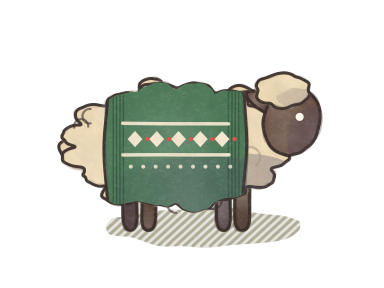 fir green
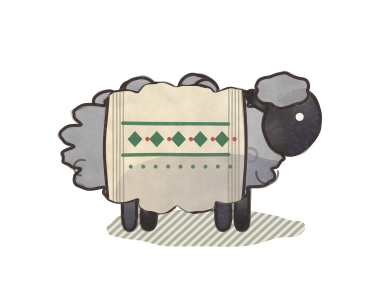 cream
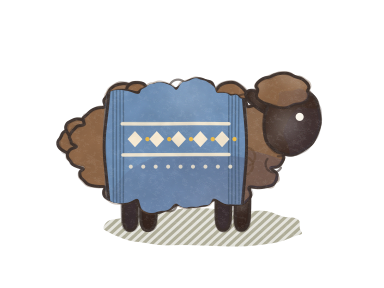 blue
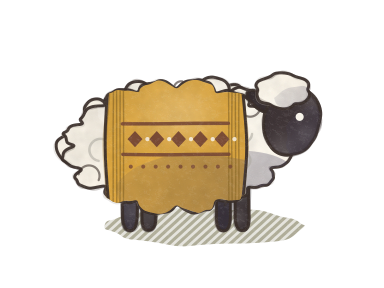 mustard
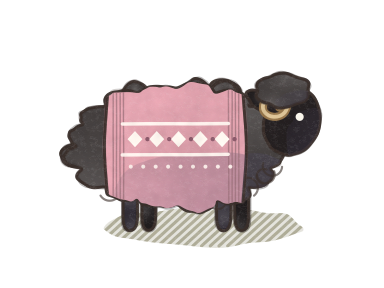 pink
- Click a sheep and press 🧶 Sweater. Press 🧶 Next to change the colour.
- Press Take off to put the sweater back into your inventory.
- The farm saves the sweater with the sheep, so it stays on after you restart your Mac.
Hanging stars
After you buy them, stars hang on threads just under the menu bar and sway a little. They decorate your whole desktop, not only the farm. At night they glow warmly.
- In Settings → Desktop, turn them on or off with Hanging stars under the menu bar.
- With Stars hang, choose On the desktop, behind windows (default) or Over all windows.
 Pairs and lambs
- Two single adults, a ewe and a ram that are not related, can fall in love when they meet. They become a pair for life and stay close, with small hearts between them.
- Only a pair has lambs. A pregnancy takes 5 farm days, then the ewe rests for about a sheep year.
- An expecting ewe sometimes dreams of her lambs in a thought bubble.
- A birth gives 1–3 tiny lambs. Twins are common. Lambs mostly take a parent's colour and follow their mother.
- The farm holds up to 30 sheep by default. You can change the limit from 3 to 60, or turn births off, in Settings → Farm life.
 Old age and Memories
Woolly Desk is gentle. A sheep can pass away only from old age (after about 10 sheep years) or after a very long time without care. It never happens suddenly, at random, or while your Mac is closed.
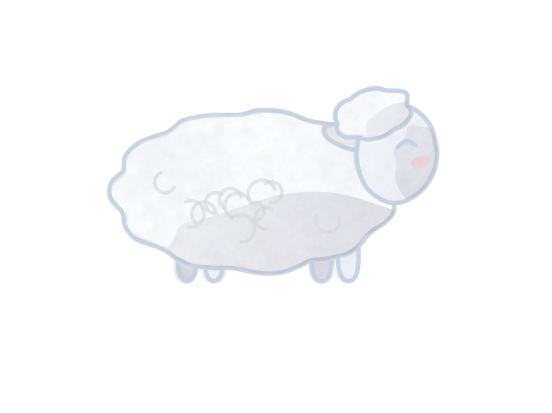
When its time comes, the sheep turns into a soft, sheep-shaped cloud that floats up over the farm. Its name stays in Memories (menu → Sheep ▸ Memories).
Prefer that no sheep ever leaves? Turn off Animals can pass away in Settings. Old or weak sheep then just rest more.
Settings
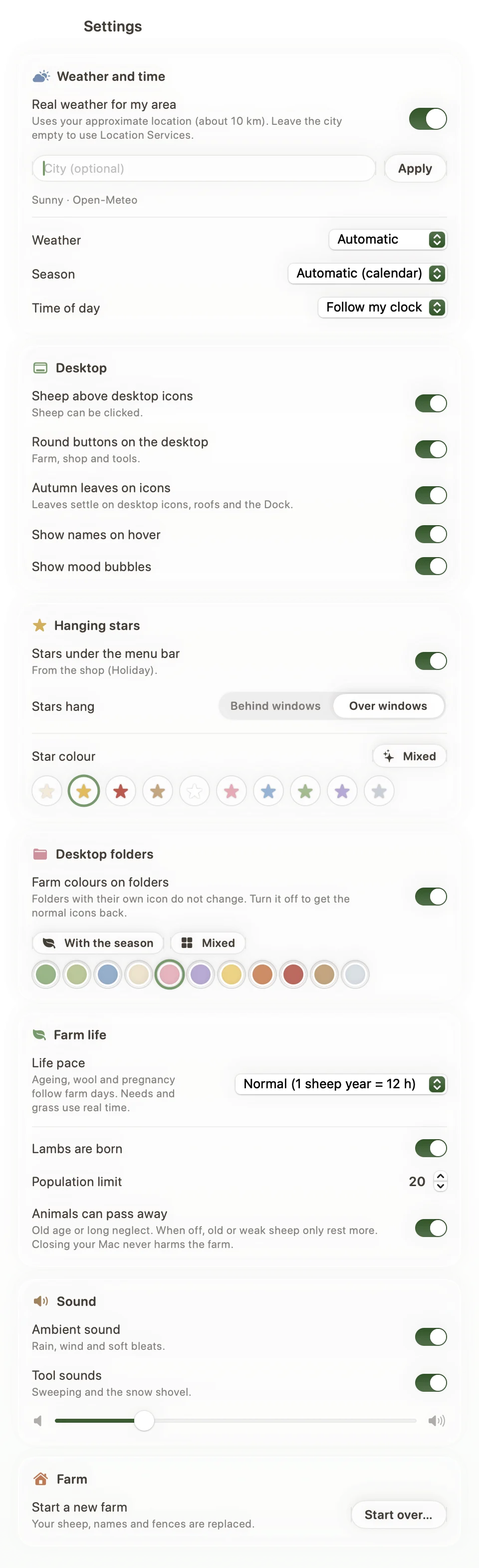
Open the menu and choose Settings…, or use the Home circle on the desktop.
| Weather | |
|---|---|
| Use real weather for my area | Off by default. Uses your approximate location (about 10 km). Type a city, or leave it empty to use Location Services. |
| Weather | Automatic, or a fixed weather: sunny, partly cloudy, cloudy, rain, snow, thunderstorm. |
| Season | Automatic (calendar), or a fixed season. |
| Time of day | Follow my clock, Always day, or Always night. |
| Desktop | |
| Sheep above desktop icons | On: you can click sheep, gates and buildings. Off: the farm is only a picture. |
| Round buttons on the desktop | Show or hide the Home and Tools circles. |
| Autumn leaves on icons and the Dock | macOS asks once for permission to ask Finder where the icons are. |
| Show names on hover | A sheep's name appears when your pointer is over it. |
| Show mood bubbles | Small bubbles show how sheep feel. |
| Hanging stars under the menu bar | Shows the stars from the shop. On by default after you buy them. |
| Stars hang | On the desktop, behind windows (default), or over all windows. |
| Farm-style icons on desktop folders | Gives your desktop folders farm-style icons. Off by default. Folders with their own custom icon are not changed. Turn it off to get the normal icons back. |
| Folder colour | Changes with the season (default), Mixed farm colours, or one of 11 farm colours. |
| Farm life | |
| Life pace | Relaxed (1 sheep year = 24 h), Normal (12 h, default) or Quick (4 h). It changes ageing, wool growth and pregnancy. Needs and grass always use real time. |
| Lambs are born | Turn births on or off. |
| Population limit | From 3 to 60 sheep. Default: 30. |
| Animals can pass away | When off, sheep never die. |
| Sound | |
| Ambient sound | Rain, wind and soft bleats. Off by default. |
| Sweeping and shovel sounds | Short sounds when you use the broom or the shovel. |
| Volume | Loudness of the ambient sound. |
| Farm | |
| Start a new farm… | Replaces your sheep, names and fences with a new farm. The app asks you to confirm first. |
 Shortcuts
| ⌘F | Farm Overview |
| ⌘B | Build palette (fences, gates, mow, sweep, shovel, move, remove) |
| Click a sheep | Open its card. Click again to pet it. |
| Right-click | Turn a trough or a feeder while you place it. |
Still have a question? Look at the FAQ or write to us.